
Everything WatchBridge does, and the limits of each.
Five things reach across between your Galaxy Watch and your iPhone. Each works over one encrypted Bluetooth link, and each comes with a short list of what to expect.
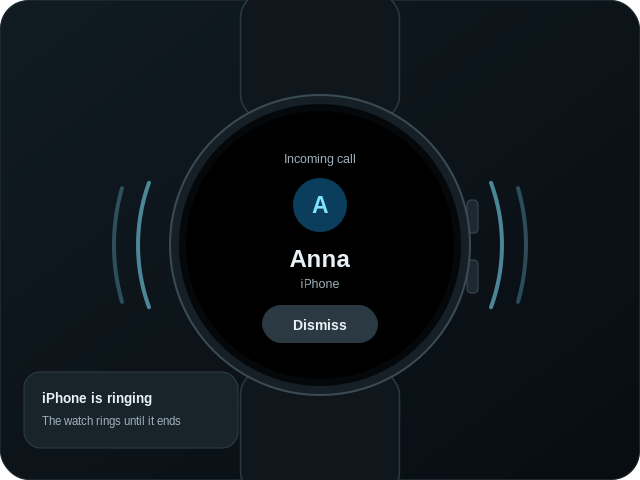
iPhone calls on your Galaxy Watch
While the iPhone rings, the watch rings and vibrates and shows a call screen with the caller's name. It stops when the call is answered, declined or ends.
- Incoming and missed calls are shown, with vibration
- The call screen keeps the display on while the phone rings
- The watch stays quiet in Do Not Disturb, bedtime and theater mode, and when it is not on your wrist
- A test call in the watch's settings lets you hear it without the iPhone
Good to know. The watch only shows the call. You answer it on the iPhone. Dismiss on the watch quietens the watch and leaves the iPhone ringing. The display lights up by itself. Off your wrist, in Do Not Disturb and in theater mode the watch stays quiet.
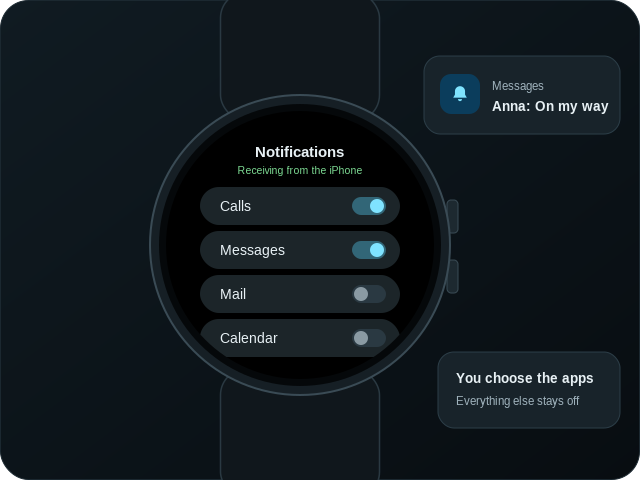
iPhone notifications, only from the apps you pick
The watch reads the iPhone's notifications over the same link and shows the ones you asked for. An app appears in the list on the watch after its first notification, switched off, and you decide.
- One switch per iPhone app; calls are on from the start
- Hide text shows only the sender and the app
- Silent stays silent: what the iPhone delivered quietly does not vibrate
- Read or clear it on the iPhone and it disappears from the watch
Good to know. You cannot reply or clear a notification on the iPhone from the watch. Notifications reach the watch only after you allow Share System Notifications for the watch in the iPhone's Bluetooth settings.
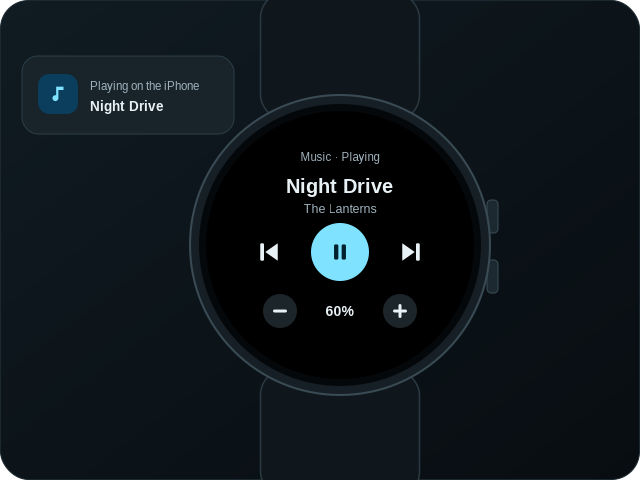
Control what plays on the iPhone
The watch shows the player, the title and the artist of whatever plays on the iPhone, in any app that plays audio or video, and sends your taps back to it.
- Previous, play or pause, next, and the iPhone's volume
- Works while the iPhone is locked and without the iPhone app open
- A now-playing card on the watch's dashboard and a silent media notification
- The watch's own media controls can play, pause and skip too
Good to know. A button is greyed while the player on the iPhone does not offer that command. The volume screen of Samsung's own media controller does not reach the iPhone; use the volume buttons on the WatchBridge media screen.
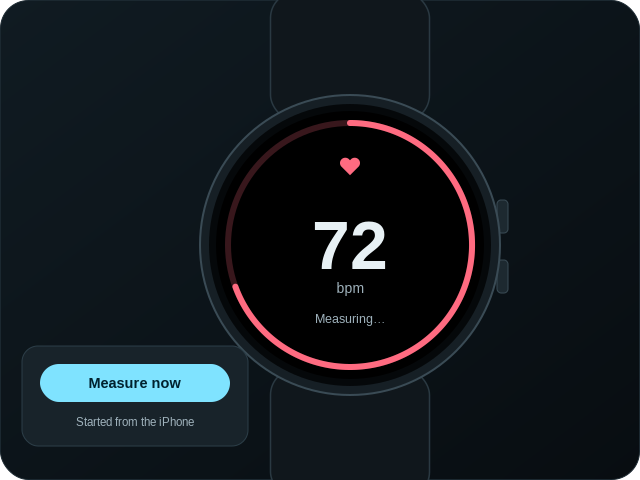
Measure your heart rate from either device
Tap Measure now on the iPhone, and the watch measures and sends the reading back. Or start it on the watch. Both show the last reading with the time it was taken.
- A reading within about 30 seconds, from the watch's own sensor
- You decide whether the watch asks first or measures for the iPhone without a tap
- The watch keeps the last reading; the iPhone stores none
- If the watch cannot measure, you see the reason, never a made-up number
Good to know. The first time you measure from the iPhone, the watch asks with a notification and measures after a tap. You can then allow it to measure without asking. Each request measures once and stops by itself. The value is not for medical use.
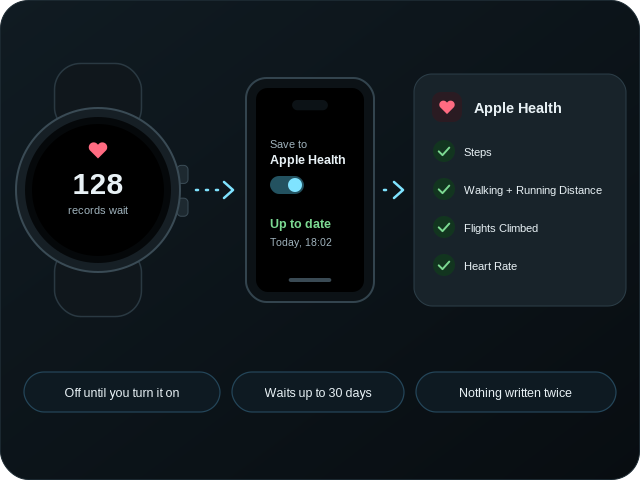
Sync Galaxy Watch steps and heart rate to Apple Health
Turn it on, and the watch records your day and hands it to the iPhone whenever the two are connected. The entries appear in the Health app with the time they were measured and WatchBridge as their source.
- Steps, Walking + Running Distance, Flights Climbed and Heart Rate
- Off until you turn it on, on the watch and on the iPhone
- Records wait on the watch for up to 30 days while the iPhone is away
- A transfer that breaks off is repeated and adds nothing twice
- You choose how the heart rate is synced: continuously, every 10 minutes, or only what you measure yourself
Good to know. Calories, workouts and sleep are not synced, so the Move ring is not filled. Nothing from before you turned the switch on can be added: another app cannot read what Samsung Health has recorded. The iPhone app only writes to Apple Health and never reads from it.
Quiet in the background, and private.
The link looks after itself, and nothing that travels over it leaves your two devices.
Reconnects by itself
Walk away and come back: the iPhone and the watch find each other again without you opening either app.
Starts with the watch
After the watch restarts, or the watch app is updated, the bridge starts again by itself.
Watch battery on the iPhone
The iPhone app shows the watch's battery level, model and app version while connected.
Paired with a number you compare
Bluetooth pairing shows the same six digits on both devices. Every value needs the encrypted, bonded link.
One approved iPhone
The watch checks every request against the single iPhone you approved, and asks before it accepts one.
Nothing leaves the devices
Neither app makes a network connection. Logs hold states and error codes, never a caller, a message or a health value.
Ready to try it?
Install the two apps and pair them. The set-up guide walks through every step.